
Close Menu
    • Contact us
    • About us
    • Write for us
    • Sitemap
    Tuesday, July 28
    • Tech
      • Tech Updates
    • Networking
      • Internet
    • Software
    • Social Media
      • Twitter
    • Apps
      • Android
      • App Reviews
      • iOS
    • Web Hosting
      • Web Development
      • Web Design
    Home»Technology»Methods to check the link are safe:
    Technology

    Methods to check the link are safe:

    Uchenna Ani-OkoyeBy Uchenna Ani-OkoyeJuly 7, 2024Updated:July 8, 2024No Comments3 Mins Read
    Facebook Twitter Pinterest LinkedIn Tumblr Email
    Share
    Facebook Twitter LinkedIn Pinterest Email

    A link is an important thing to direct people to a designated page. The safety of the link means the safety of data and privacy.

    Necessity to know link safety:

    Checking the safety of the link prevents anyone from falling prey or victim to cybercriminals.

    Reasons to check safety:

    Malware or virus protection

    Prevention of fraud

    Assurance of your privacy

    Device security

    Save yourself from phishing attacks.

    Are you confused that how to check if a link is safe? Various methods are available.

    Manual method to check the link:

    Before clicking any link, checking the safety of the link is part of your instincts.

    The link may contain malware, programs, or viruses. Using an online tool to check the safety of a link of a link is an easy method of checking the safety of the link.

    There are other ways to check if the link is safe.

    Safe browsing API for URL inspection:

    The protective method to check the safety of a link is the Safe Browsing API. It provides warnings about malware websites and spam sites that will threaten your device and your privacy.

    It also provides security while downloading from the internet from malware.

    SSL/TLS Protocol 

    To get complete information about the encryption method used by the link or particular website, use the SSL/TLS protocol analysis tool. It helps you know that the website is safe, whether you enter your details or not.

    Code and content analysis:

    Analyze the code of the website and the content present on the website to know if the link is safe or not. One can analyze it manually or using tools.

    This helps you to prevent harm. Using this tool is necessary to protect yourself from malware.

    Ensure that the connection is secure.

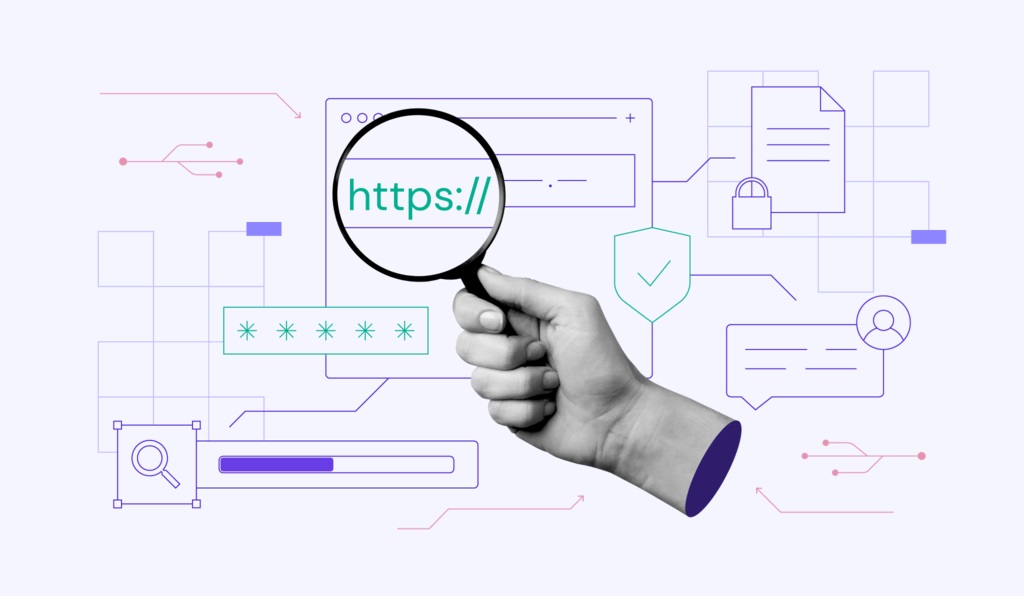
    The link with “http” is considered a safety link. Websites that are encrypted with the SLS or TLS protocol are considered safe links.

    Ensure that the connection is safe when the link is with “Hyper Text Transfer Protocol.”.

    Trustworthiness of Domain:

    The reputation of a domain is important. For checking the safety of links, it is considered an important measure to evaluate their safety. If any criminal activity associated with this link can be identified,

    Antivirus vigilance:

    Using antivirus software prevents you from intruding with malware from unsafe links.

    It also helps to evaluate whether the link is safe.

    HTML decode:

    Decode the hypertext markup language page and look at the code to ensure that the link is safe. It will provide a clue about the script tags and where they are related.

    Various methods are also present to check the safety of the link. methods as link expansion for transparency, browser shields for online security, etc.

    Share. Facebook Twitter Pinterest LinkedIn Tumblr Email
    Uchenna Ani-Okoye

    Uchenna Ani-Okoye is a former IT Manager who now runs his own computer support website https://www.compuchenna.co.uk. 

    Related Posts

    Detail Sanders for DIY Home Projects: What to Look For and Why It Matters

    July 24, 2026

    Why UAE Contracting Businesses Are Moving to Specialist ERP: The Financial and Operational Case

    July 24, 2026

    How Advanced Website Optimization Improves Long-Term Search Performance

    July 16, 2026

    Comments are closed.

    Top Picks
    Business

    The Hidden Business Costs of a Website Breach Beyond Data Loss

    By Kristel StaciJuly 27, 20260

    Typically, when companies think about website security, the immediate worry is usually data loss. Customer…

    SEO

    Comparing Google Maps Scraping With Manual Local Research

    By Maddie DavisJuly 27, 20260

    You already understand the difference between automated collection and hands-on fieldwork. My goal here is…

    Security

    How Accurate Is Facial Recognition Search With Public Photos?

    By Danish MerajJuly 26, 20260

    You already know that face-based search can be powerful. What you want is a clear…

    Tech Updates

    Siri AI and the Future of Seamless Experiences Across Apple Devices

    By Elaine BennettJuly 25, 20260

    For years, Apple Siri was the assistant you used to set a timer or skip…

    Technology

    Detail Sanders for DIY Home Projects: What to Look For and Why It Matters

    By WatsonJuly 24, 20260

    Home improvement projects that involve any kind of painted or finished surface — interior trim…

    • Contact us
    • About us
    • Write for us
    • Sitemap
    © 2026 kapokcomtech.com Designed by kapokcomtech.com.

    Type above and press Enter to search. Press Esc to cancel.