

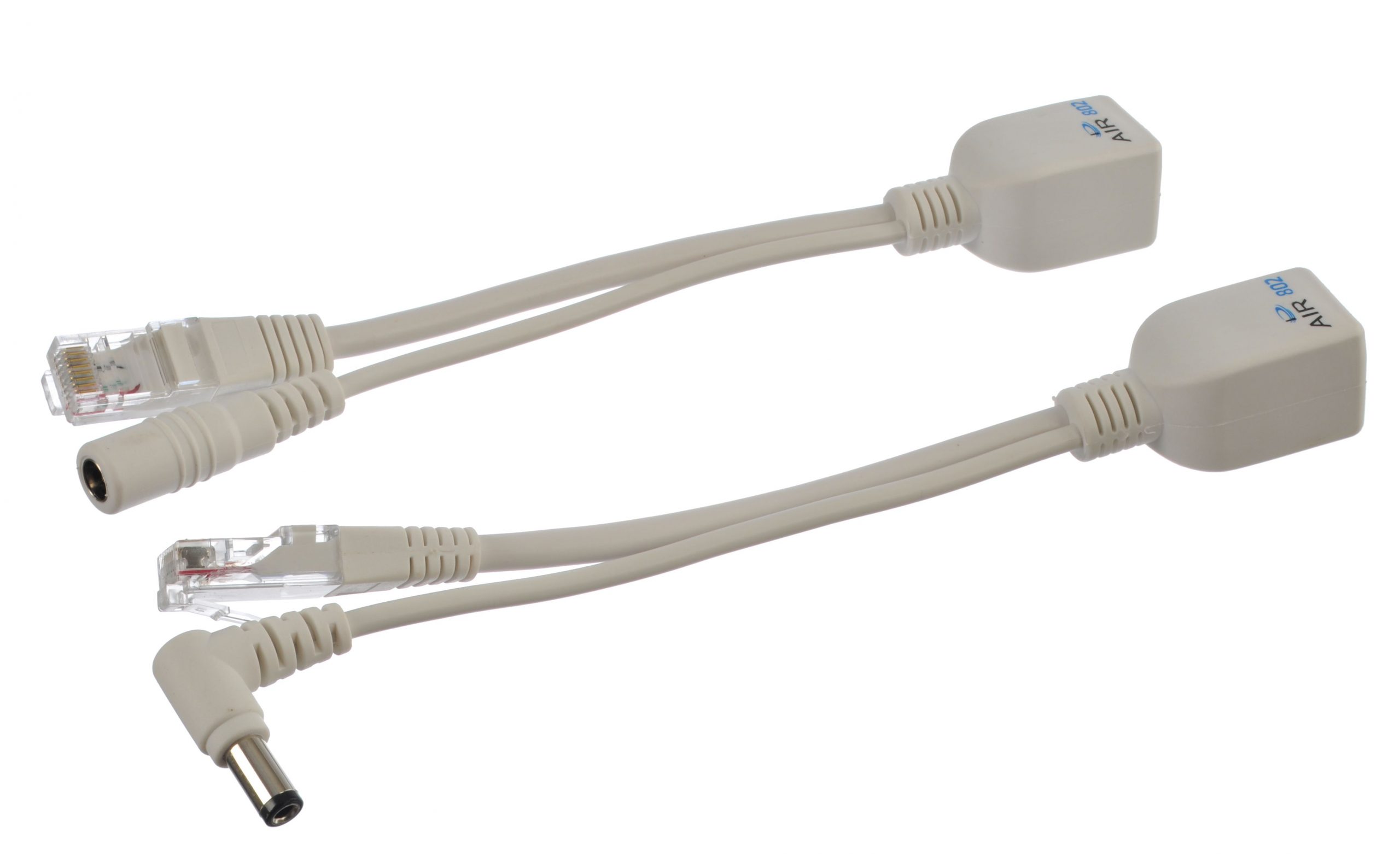
Power over Ethernet (PoE) injector connects your network equipment that is enabled by PoE to a LAN switch port that does not have power over ethernet.
In other words, any device you have that is powered by the Institute of Electrical and Electronics Engineers (IEEE) can be hooked up to a power switch using PoE.
That includes your internet protocol phone and your camera as the PoE injector circumvents the requirement to operate alternate current energy lines for them since you use the current LAN cabling to transmit both direct current energy and data.
As for the PoE power level, once compliant, PoE injectors are capable of a 12 to 70-watt yield.
What Cable does PoE Need?
PoE injectors are established upon the statutes distinguished by the IEEE 802.3 operating organization.
Therefore, it doesn’t require any particular cable. It is important to note however that although, that if the injector is an Ultra connection, the network cable with eight pins. That is the standard for most cords but a few that are on the cheaper side may come with just four pins.
Copper-Clad Aluminium cable (CCA), also has an aluminum nucleus covered with copper, unlike the typical network cable that is full copper. This type of cable while more affordable can only carry out basic network applications.
Therefore, it is not endorsed for use when setting up PoE injectors and switches. If you do, you’ll be taking a big risk since aluminum does not conduct electricity well.
It is always advisable to use a full copper cable that conducts electricity perfectly and the chances of losing power in your cord or anything overheating is slim to none. Be sure to ask your supplier if the cord you’re getting is straight copper and insist on it.
Safety Feature of The Poe Injector
Once compliant, PoE injectors like those from Antaira are extremely safe. Do not be concerned about them damaging any devices, whether they are designed to accommodate PoE or not.
What makes the PoE injector special is that it does not transmit any power to the corresponding powered device (PD), like your network camera, until a safety procedure referred to as a handshake is done.
That technique uses low voltage and causes no harm to any connected equipment. During the process, specific key parameters are verified, focusing mainly on the degree of power required by the connected device.
Upon completion, the PoE injector starts to send energy that will activate the connected device. If the process fails, the PoE injector will not transmit any power.
That built-in feature of all devices that comply with the IEEE makes the technology so intrinsically safe.
Benefits of Using Poe Technology
PoE technology extends numerous advantages such as the release of data and energy over a basic Ethernet cable excluding the requirement of AC or DC energy parts and portals.
That decreases the expense since no workman is needed for the setup of new equipment in regions where there’s no current.
Also, a normal Ethernet cable is relatively affordable and is usually installed in the location prior. This is the case for PoE technology as a whole.
Make sure to connect your PoE switch to an uninterruptible power supply (UPS) and your equipment receiving energy from PoE will be powered non-stop. This is especially important for security cameras.
Overall, establishing PoE that utilizes governed PoE switches enables you to control the system remotely and start PoE equipment.
