
Close Menu
    • Contact us
    • About us
    • Write for us
    • Sitemap
    Thursday, May 14
    • Tech
      • Tech Updates
    • Networking
      • Internet
    • Software
    • Social Media
      • Twitter
    • Apps
      • Android
      • App Reviews
      • iOS
    • Web Hosting
      • Web Development
      • Web Design
    Home»Featured»How to set up a hotmail account?
    Featured

    How to set up a hotmail account?

    Alton ElliottBy Alton ElliottDecember 23, 2016Updated:January 6, 2017No Comments2 Mins Read
    Facebook Twitter Pinterest LinkedIn Tumblr Email
    Share
    Facebook Twitter LinkedIn Pinterest Email

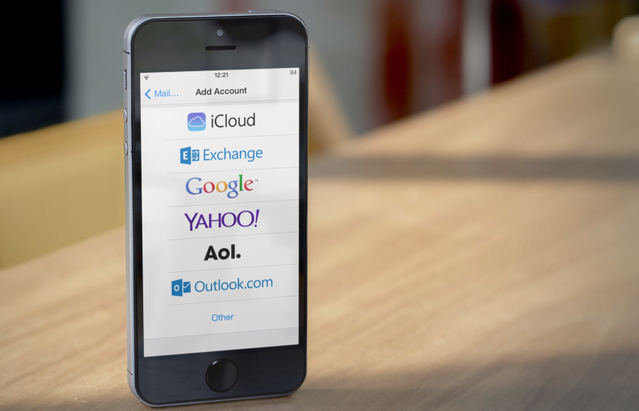
    Image result for How to set up a hotmail account?

    Hotmail is a very simple and easy way to send and get the emails from any part of the world. Hotmail is grown very largely in the recent years; it has more than 360 million users. Rather than attracting large audience it also completely change from its original starting; now there are lot more add on features will introduced which gives you a better user experience and also it is very fast. If you create a hotmail ID you can easily access other Microsoft service too such as xbox live, skype etc.

    How to create a hotmail account

    • In order to hotmail sign up you need to access the internet then you have to go to the hotmail.com. After you go to the website of hotmail, then you need to choose the option of sign up to create an account.
    • When you click the sign up option then a new page will open in which you need to choose your email address (check the availability of the email address you choose), after your email address gets approved by the service operator you need to choose the password of your account always choose the password which is unique and hard to decode this will ensure your account safety. While choosing the password makes sure that your password should contain characters.
    • After the email address and the password filling you need to fill down other information like your gender, phone number (optional), you, age, country, date of birth and more.
    • It is better to provide your phone number while creating an account because if you forget your password they will send you one time password (OTP) to your phone number through which you can log in, in your account and change your password.
    • At last you need to solve the Captcha code, in order to create your account. This is the final step in this process after this whenever you need a hotmail login you simply sign in by providing your email and password.
    Share. Facebook Twitter Pinterest LinkedIn Tumblr Email
    Alton Elliott
    Alton Elliott

    Related Posts

    Revolutionizing Inventory Management: Understanding Automated Storage and Retrieval Systems

    January 5, 2026

    SolidWorks for Startups: How Small Teams in Singapore Can Compete Like Industry Giants

    December 17, 2025

    When Light Meets Motion: How MEMS and Photonics Are Reimagining Semiconductor Design

    December 16, 2025

    Comments are closed.

    Top Picks
    industry

    What Factors Affect Particle Size Distribution During Material Processing?

    By Lisa JacksonMay 12, 20260

    IntroductionAchieving a consistent particle size distribution is one of the most important objectives in modern…

    Tech

    Best AI Tools for Agencies Managing Creative Production

    By ChrisMay 12, 20260

    I look at AI image platforms differently than most people. Image quality matters, but workflow…

    Security

    Strengthening Your Internal Network Against Insider Threats

    By Derek HalesMay 7, 20260

    Most security teams obsess over the perimeter and treat the inside of the network as…

    SEO

    Why high-quality backlinks matter for modern search engine optimization

    By Larry BrayanMay 2, 20260

    Strong online growth depends on trust signals that guide search systems to rank pages fairly.…

    Software

    How Much Does It Cost to Start a Forex Brokerage?

    By SapnaApril 29, 20260

    Starting a forex brokerage is often seen as a capital-heavy, complex venture. And while that…

    • Contact us
    • About us
    • Write for us
    • Sitemap
    © 2026 kapokcomtech.com Designed by kapokcomtech.com.

    Type above and press Enter to search. Press Esc to cancel.