

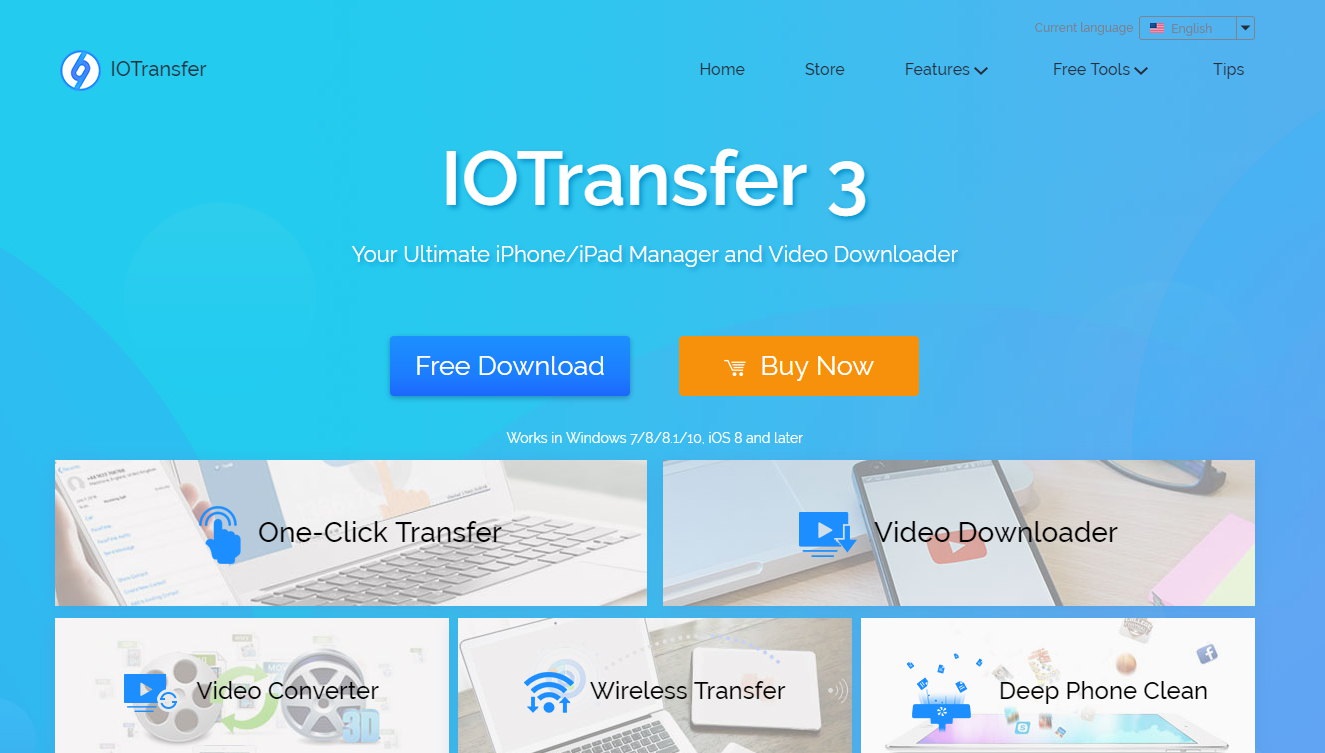
While any iPhone and the iPad user may enjoy the brand value and exclusivity of the Apple brand; they cannot escape its flip side. With the brand comes to the almost insurmountable issue of data management and transfer, file conversion, online video downloading, etc. The Window users easily escape the problem, thanks to software like Moborobo and iTunes. These PC suites are magical in managing all kind of communication and transfer of all kind of audio and video to iPad/iPhone from Windows device. Now, even the iPad/iPhone users can breathe the same sigh of relief. They too now have the user-friendly IOTransfer3 software. Here, we would understand the software and review it in detail.
What is IOTransfer3?
Similar to software like Moborobo and iTunes; IOTransfer3 is iPhone/iPad manager app which allows Apple product users to transfer and share all kinds of files like photos, music, contacts, videos, etc. by converting them to formats compatible with Windows. A point to note here is that the software supports only Windows and not Mac.
Features of IOTransfer3
IOTransfer3 software is the hassle-free way to manage downloaded and stored media and files on any iOS device. You not only can download, convert and transfer files between iOS and Windows devices but you can also take advantage of various other rich features of the software. Few of its leading features are:
- Image sharing and management
Regardless of the light conditions; you can be confident of capturing a stunning picture with this app. Moreover, the software has a photo manager which allows you to manage and transfer all pictures to any windows device effortlessly.
Unlike the sluggishness of many other applications, this software has an intuitive way of selecting and exporting photos. Now only are previews instantaneous but the thumbnail of the photo on the PHOTO interface is also HD quality. You not only can export photos to the Windows device but can also import them back to the iOS device. You can create albums easily. Deletion of the content is also far easier.
- Ability to convert both individual and batch photo conversion
A highlight feature of IOTransfer3 software is that it has a user-friendly HEIC to JPG Converter. Any photo and media HEIC files can be easily converted into JPEG by using its drag and drop option. You can easily do this online as well since the tool is compatible with most browsers. While most allow individual photo conversion; you can save time by taking advantage of its batch photo conversion feature. You can convert a max of 50 HEIC images to JPEG at one go. Moreover, you need not install this feature on your desktop which is certainly an added bonus.
- Download and convert videos
Today, the streaming of video on the web is almost staggering. Thus, it is not at all surprising that many iOS users would want to save their favorite clips to view offline at any time they wish to. The IOTransfer3 has a video tab using which you can easily download and save any video clip on your Apple device for offline viewing. Direct transfer to your iOS device option is also now available to take advantage of. You can also transfer it to any Windows device if you so desire.

The latest version of the software has upgraded its video conversion and transfer feature. This feature has become more user-friendly by its drag and drop feature. You can add any video to share, convert, download, etc. Just by drag and drop option.
- Download and sharing of YouTube videos
The software has a specialized YouTube video downloader using which you can share, download, manage and convert any of the videos including the HD quality to your iOS device and then transfer to Windows device effortlessly. Moreover, you have the flexibility of choosing the video quality according to your personal preferences like 240p, 360p, 480p, and 720p. The video can be in any format like 3gp, FLV, MOV, WebM, MKV, MP4, AVI, etc. Besides this, you can also download live concerts, rare videos or even movies with the software tool.
- Instagram Downloader
Like YouTube; you also have the option of sharing, downloading and transferring files from the Instagram using the Instagram Downloader.
- Optimized AIR-TRANS feature
One of the most delightful features of the software is its functionality of wireless transfer using the option of Air-Transfer. All videos, music, pictures and any other content can be easily transferred wirelessly without using iTunes. The latest version has this feature more stabilized and faster which raises the satisfaction level of any user.
- One click transfers
The best thing about this software is that transfer is no more a cumbersome process. All you need to do is click a button and get the job done. Earlier you could only transfer the phone contacts, but the updated feature now allows you to import as well as export all your Google and Outlook contacts as well in CSV format.
- GIF maker
The craze of GIF needs no testimony. The software has increased the fun quotient by allow you to create your own GIF’s with it. It has a unique GIF maker online which you can use for free and transform any of your videos and images with it into GIF and express your personality and emotions in a fun and exciting way.
- Junk Remover
We all know that cache pileup is common with smartphones. They easily result in gigabytes of occupied space and slowing down your phone. However, the IOTransfer3 has a unique cleanup feature which scans the iOS device and easily eliminates all junk file and folders to free up the much-needed storage space.
Final Verdict on IOTransfer3
With just a preview of some of its features, it’s easy to arrive at the conclusion that there cannot be an easier transfer and management tool for iOS devices that this software. The biggest advantage is that you need not jailbreak your iOS device to use this software. The installation and update of the software have become much faster and easier. Using the software is a breeze. Hence it is the ultimate iPhone/iPad managing software that is an alternative to iTunes.
