

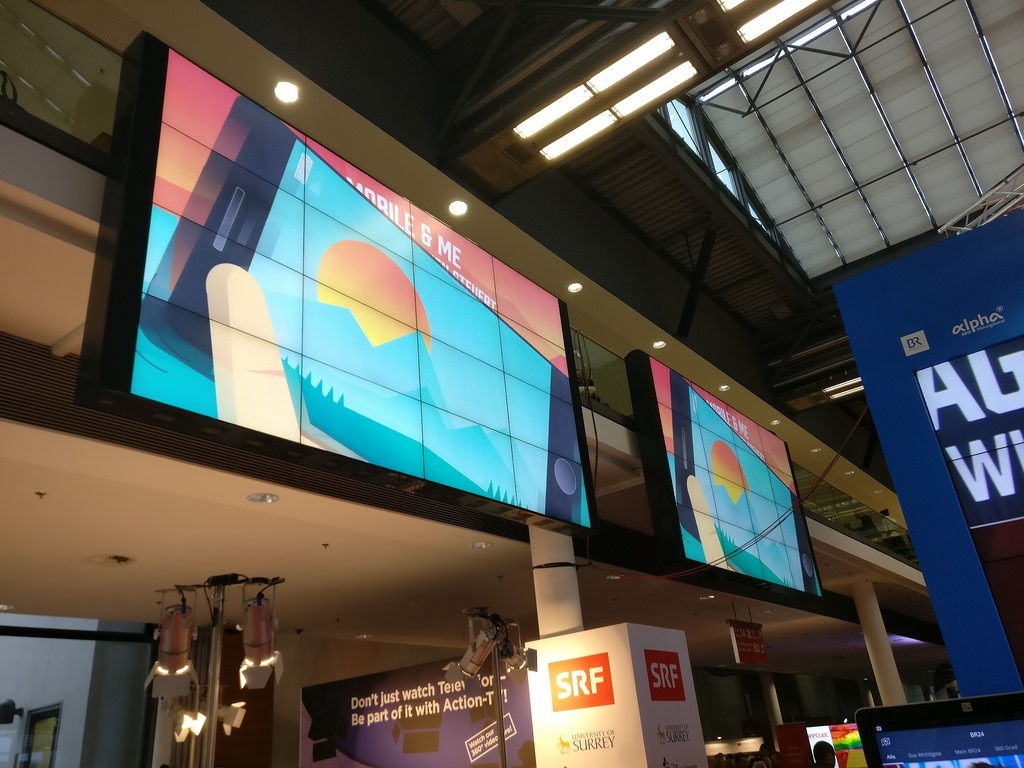

In this digital age, it is appropriate that you digitize everything. Now you have the birth of digital signage. So what is digital signage then? The signage used in the digital format is digital signage.
Usually, signage is used for different purposes like
- Giving information about certain aspects of services and facilities at a particular place, outlet, and more.
- Showing direction of the location of some key places, facilities, services, and so on.
- Identifying the names and numbers of the rooms and floors, and providing other details in restaurants, hospitals, and large buildings.
- Giving warning signals, presenting safety instructions, showing traffic signs, furnishing exit and entry signs, and conveying rules and regulations of a particular store or retailer.
You can use a chrome sign builder to display the above kind of content and can be managed by the chrome device network with ease.
This kind of content using the digital format can be in the form of playlists or even YouTube videos. They can be edited by those who can have access to such a presentation too.
You can use the Novisign Signage Player for the purpose of display.
Usually, restaurant menus, images, and the schedule for the day at a particular outlet use this kind of signage in the digital format.
The first thing you need to do is you create your schedule and then specify the URLs for these contents that have to be displayed in accordance with the schedule. Then there may be a need to change the content of these URLs. For this, you don’t need to reconfigure the schedules and the settings on the chrome sign builder.
Go for continuous display
See to it that the display on the signage is not stopped at any time. When there is continuous display people get attracted to it and get to know about the place and its services with ease. Take the case of a restaurant.
In a restaurant, the time for breakfast is fixed. You need to display the day’s menu only at this time. At other times leaving the screen blank may not go well for the image of the restaurant. Instead, you could play a YouTube playlist showing the events at the restaurant or any other feature of the restaurant or the hotel that it is attached to.
Then during the lunch time, you can again start showing the display of the lunch menu. Once again after the lunch time, you can display some other signage about the events or just we’re closed do visit us again or something similar. At dinner time also similar strategy can be used.
Digital display more effective
In malls, hospitals and other places you can see digital signage being used now. It is easier to use these kinds of signage in this digital age. It is more effective than other kinds of display nowadays too.
You may need to change the content of displays from time to time. In other kinds of display, you may need to change the whole setup in order to change the content. However, with digital signage, you can change the entire display by just changing the content remotely. This works out to be more cost effective than the former kind.
