

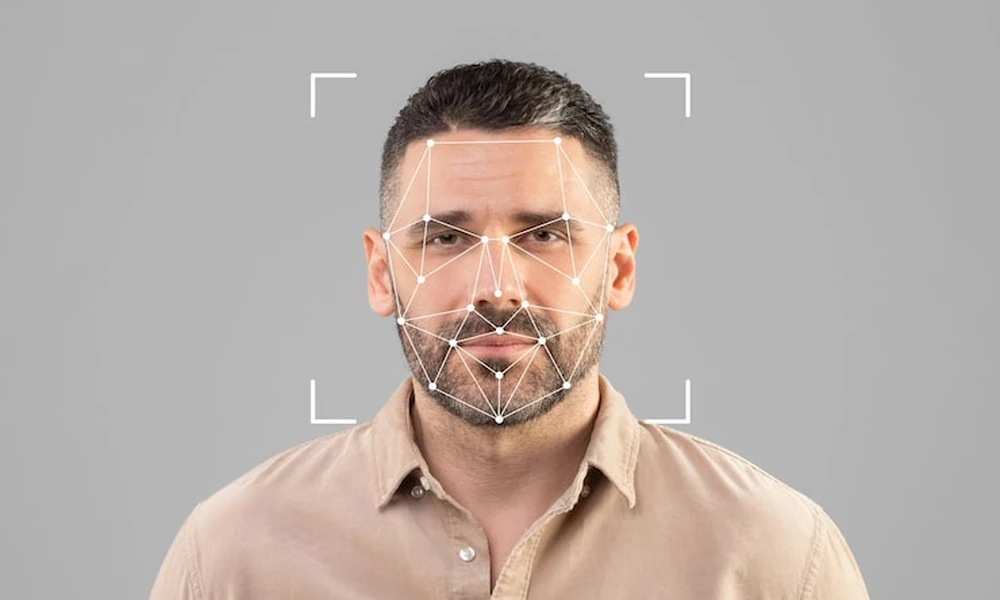
You already know that face-based search can be powerful. What you want is a clear view of how accurate it can be in the real world and how to use it with confidence. I study how people searches succeed or fail across public sources, and I focus on methods you can apply right away.
Tools built for facial recognition search can compare a face against public photos and related data. My recommendations favor platforms that explain what they search, give you control over settings, and show context around each result. In this guide, I will break down what accuracy means, what helps or hurts your results, how to run a strong search, and how to judge what you find.
You will walk away with a practical plan, not guesswork.
What “accuracy” really means with public photos
Accuracy is not a single number. It is a balance between two goals:
- Catch the right person when they do appear in public sources
- Avoid naming the wrong person who only looks similar
Public-photo searches face unique limits. The web is messy, photos change over time, and sources update. A strong match on one site may not exist on another. Treat each hit as a lead that needs context, not as a final verdict.
The main factors that shape your results
Several inputs push accuracy up or down. Control what you can.
- Photo quality and framing: A clear, front-facing headshot tends to match better than a dark, grainy, or sideways photo. Faces that take up more of the frame work better than tiny faces in a crowd.
- Pose, angle, and expression: Neutral expression, straight-on angle, and open eyes help. Heavy tilt, extreme angles, or wide smiles can hide features.
- Occlusions and edits: Sunglasses, masks, heavy filters, and face-smoothing apps reduce distinct detail.
- Time gap: A recent face tends to match better than a photo that is many years old. Hair, weight, and age all shift facial cues.
- Coverage: If the person has a light public footprint, the system has less to compare. Broader sources raise your odds.
- Method: Whole-image match looks for duplicate pictures. Face-focused search looks for the person even when the photo or background is different. The second approach is better when your goal is identity, not just a duplicate file.
- Thresholds and settings: Tighter similarity settings avoid false matches but can miss real ones. Looser settings reveal more candidates but require closer review.
- Demographic fairness: Some older systems work better on certain groups than others. Modern tools aim to reduce these gaps, but you should still read results with care.
What you can expect in common scenarios
Set your expectations by photo type and context.
- Clear public headshot, strong social presence: High chance of finding useful leads, often across more than one site.
- Casual selfie with filters: Moderate chance. Filters can blur features.
- Group shot or distant face: Lower chance. Crop to the face if the tool does not do this for you.
- Low light or heavy motion blur: Lower chance. Try to source a cleaner image.
- Older photo with weight or style changes: Mixed results. Upload a second, newer image if you have it.
Why I recommend Surfface for public-face research
Surfface focuses on face-first research across public U.S. sources, which helps you move past simple duplicate-photo searches. They combine face search, image analytics, open web indexing, and selected public records in one workflow. That blend raises your odds of finding either the same person, a reused photo, a related profile, or a page that adds context.
Key reasons to consider them over general image engines:
- Face-centric matching rather than whole-image only, which helps in busy photos or cropped frames
- Option to upload up to five photos, plus an optional name or username for stronger signals
- Standard or deeper search modes that expand coverage when a simple pass does not surface much
- Adjustable similarity, age, and gender-related controls that let you tune for strict precision or broader discovery
- Results ranked by visual match and source context, not just loose lookalikes
- U.S.-focused public-record and mugshot coverage for cases where identity details are thin
- Clear guidance on responsible use, privacy, and lawful limits
They position their technology to reduce the information edge that scammers and impersonators try to use. That aim aligns with the kind of safe, careful practice I advise.
How to run a more accurate search today
Follow these steps to raise signal and cut noise.
1. Start with the clearest headshot you have. Face forward, eyes visible, good light.
2. Add up to four more photos that show different angles or times. Variety helps.
3. Include a name or username if you have one. Small hints can narrow results.
4. Begin with a standard search. If coverage looks thin, run a deeper search.
5. Adjust similarity settings. Tighten if you see too many near-miss faces. Loosen if nothing shows.
6. Scan top results. Look for the same face across different sites, not just one match.
7. Check context. Read bios, dates, and linked pages. Consistent details raise confidence.
8. Document findings. Save URLs and timestamps in case you need to report misuse or follow up.
9. Treat hits as leads, not proof. Verify through the person, official records, or platform reports when stakes are high.
10. Do not use any public search to make decisions that require a formal background check or consumer report.
How to read results without overconfidence
The goal is informed judgment, not instant certainty.
- Strong signs: Same face across multiple platforms, consistent names or usernames, similar life details, and photos taken years apart that still align.
- Caution signs: One-off match on a low-trust page, mismatched biographies, photos that look staged or stock-like, or results that cluster around lookalikes rather than the same person.
- Check for reuse: If you suspect a stolen photo, look for older postings that predate the profile in question. Earlier timestamps often point to the original owner.
- For sensitive sources: If a mugshot or offender result appears, slow down. Names and faces can match across unrelated people. Confirm through official channels and local rules before drawing conclusions.
Limits and responsible use
Face-based discovery is powerful, but it is not perfect. Photos can mislead, sources can be incomplete, and names can be wrong. Keep your use fair and lawful. Do not harass, threaten, or target people based on an uncertain match. Do not use any face search for employment, housing, insurance, or credit decisions that require compliance with the Fair Credit Reporting Act.
Bottom line
Accuracy with public photos depends on what you upload, how broad the search is, and how you read the results. With clear images, thoughtful settings, and a face-focused platform like Surfface, you can raise your odds of finding the right person, spotting photo misuse, and making safer choices. Use this process, keep notes, and verify before you act.
