

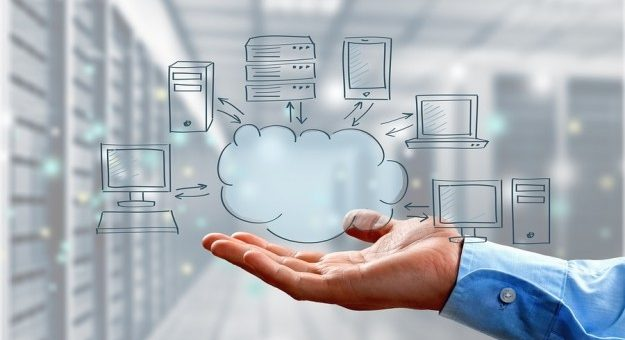
The tasks of cloud-based accounting software are similar to the tasks of on-premise accounting software; though, it offers greater flexibility and support to the clients. This type of software is hosted on remote servers. The financial data is sent into the cloud for processing. The user may access the processed data from anywhere with the help of an Internet connection. The on-premise accounting software does not offer this particular benefit.
The reliable online accounting programs also use data-encryption technique to keep sensitive information secure. The accessibility and security are the salient features of any cloud-based application. It also manages contact information, run different types of financial reports and track business expenses. It can create and customize invoices as per clients’ demands.
Features of Cloud Based Accounting Software
The cloud-based accounting software works as the trustworthy and efficient accountant of any businessperson. These applications look after the financial health of any business organization. Different types of cloud-based accounting software systems offer different benefits. Some reliable software, such as FreshBooks, Xero, QuickBooks, Sage, Zoho Books, AccountEdge Pro, FreeAgent, One Up and Wave, provide praiseworthy services. These online applications are available to the users through a reliable IT service provider such as https://www.techpillar.com/.
Deduction of Time Consumption
The online accounting systems automate the repetitive accounting tasks and streamline the workflow.

Sales order Conversion
The online accounting software can convert the sales order, estimate or quote into an invoice. The accounting software also allows users to modify invoices with necessary changes.
Repetitive Invoice Creation
The businesspersons may need to produce recurring invoices during subscriptions or recurrent services. The accounting software is capable of sending invoices for recurring charges.
Payment Reminders
These software applications send automatic reminders to the customers regarding upcoming or due payments. Some accounting programs even let users customize the e-mail texts. The users may utilize these programs to send thank-you notes to the customers. This particular feature strengthens the bond between customer and client.
Connectivity to Business Accounts
The businesspersons may use the cloud-based accounting software to track their daily financial transactions. The online accounting programs allow the users to stay connected to their commercial bank accounts. These programs also save the users from manually uploading the bank statements. The users also receive daily overview of the accounts.
These programs identify the sameness present between separate bills or invoices and bank transactions. The users have the ability to reject these matches before saving the reconciled documents. Some applications offer reconciliation features on users’ mobile apps.
Inventory Management
The users can add as many vendors as possible to their systems through online accounting software. The facility is available to users managing virtual or physical inventory. The online applications let the users create necessary purchase orders. These programs are also capable of monitoring the inventory levels after the creation of invoice.
Sales Operations
The majority of the cloud-based accounting software is capable of creating sales orders/quotes/estimates and tracking operational expenses. These programs also ship with user-friendly mobile apps to let users perform sales operations on their
